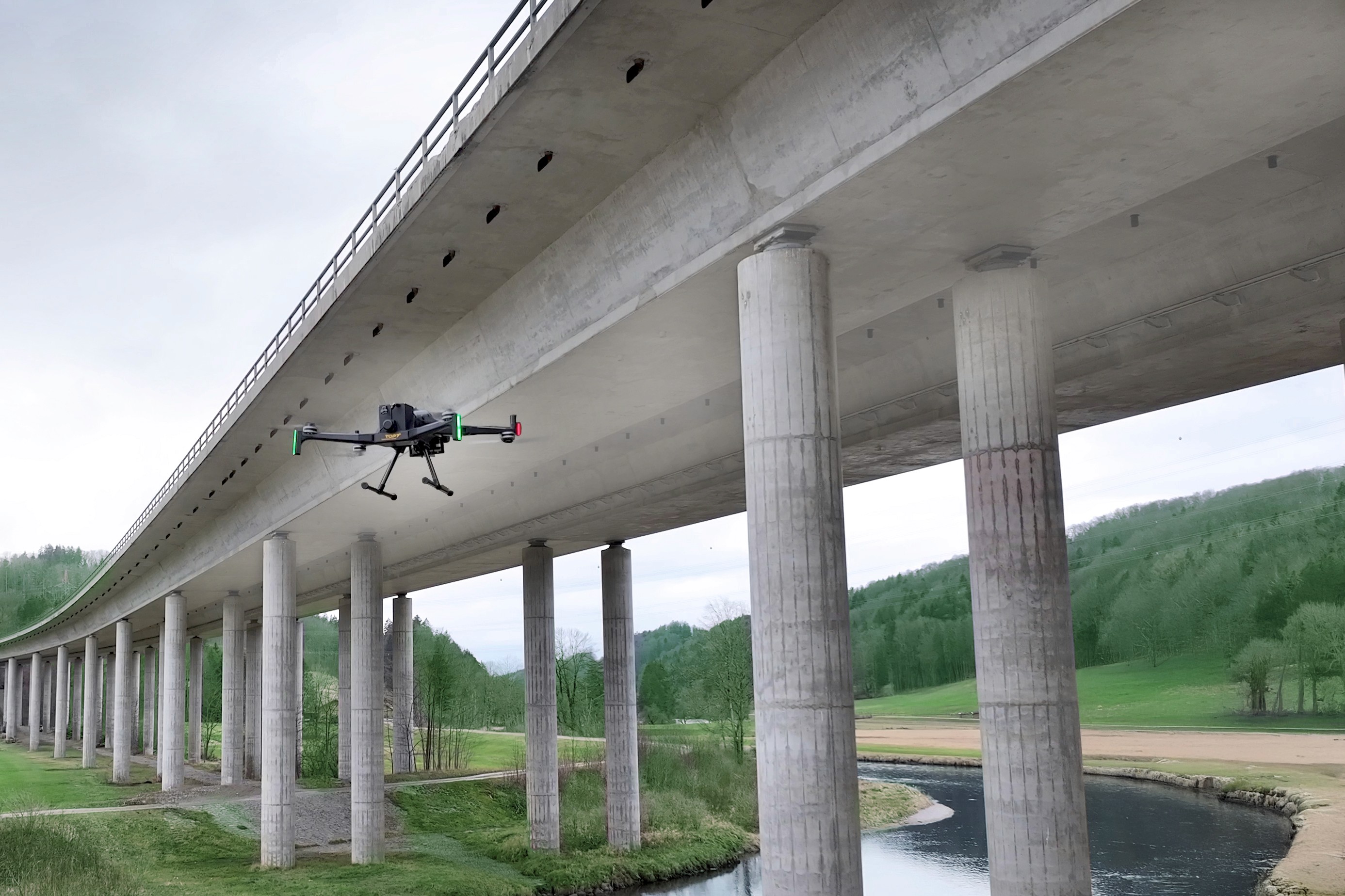
Inspection software, tuned for wind.
One platform takes the mission from autonomous flight to confirmed report. Every inspection flies the same governed path, so this year compares to last year. The record stays yours.

Get the highlights
Six things to remember.
A quick index of what the software does for your wind turbine inspections. The detail follows below.
MISSION CONTROL
The wind turbine inspection workflow, in one operational view.

01
Plan complete flights
Define turbine, blade, distance and coverage. TOPseven builds the repeatable route.
02
Review in context
AI findings are tied to blade position, source imagery and historical inspections.
03
Hand off cleanly
Export reports and evidence packages without rebuilding the story.
Autonomous Flight
One swipe. The whole turbine.
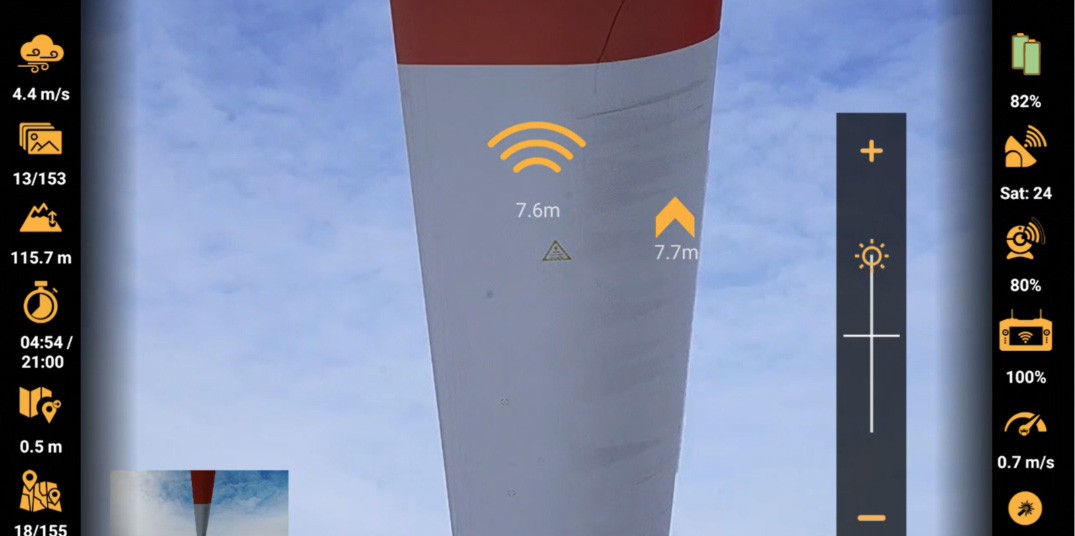
Pick a turbine and TOPseven generates a complete, collision-aware flight path: every blade direction, tower section and nacelle angle. Visual-inertial navigation holds the path where GPS is weak or absent, so the drone flies the same route every time. Your data stays comparable inspection after inspection, and your specialist can take over instantly.
less mission-planning time versus manual waypoint setup.¹
¹ Based on internal TOPseven flight logs across 12000+ turbines.
PILOT — Autonomous flight controller
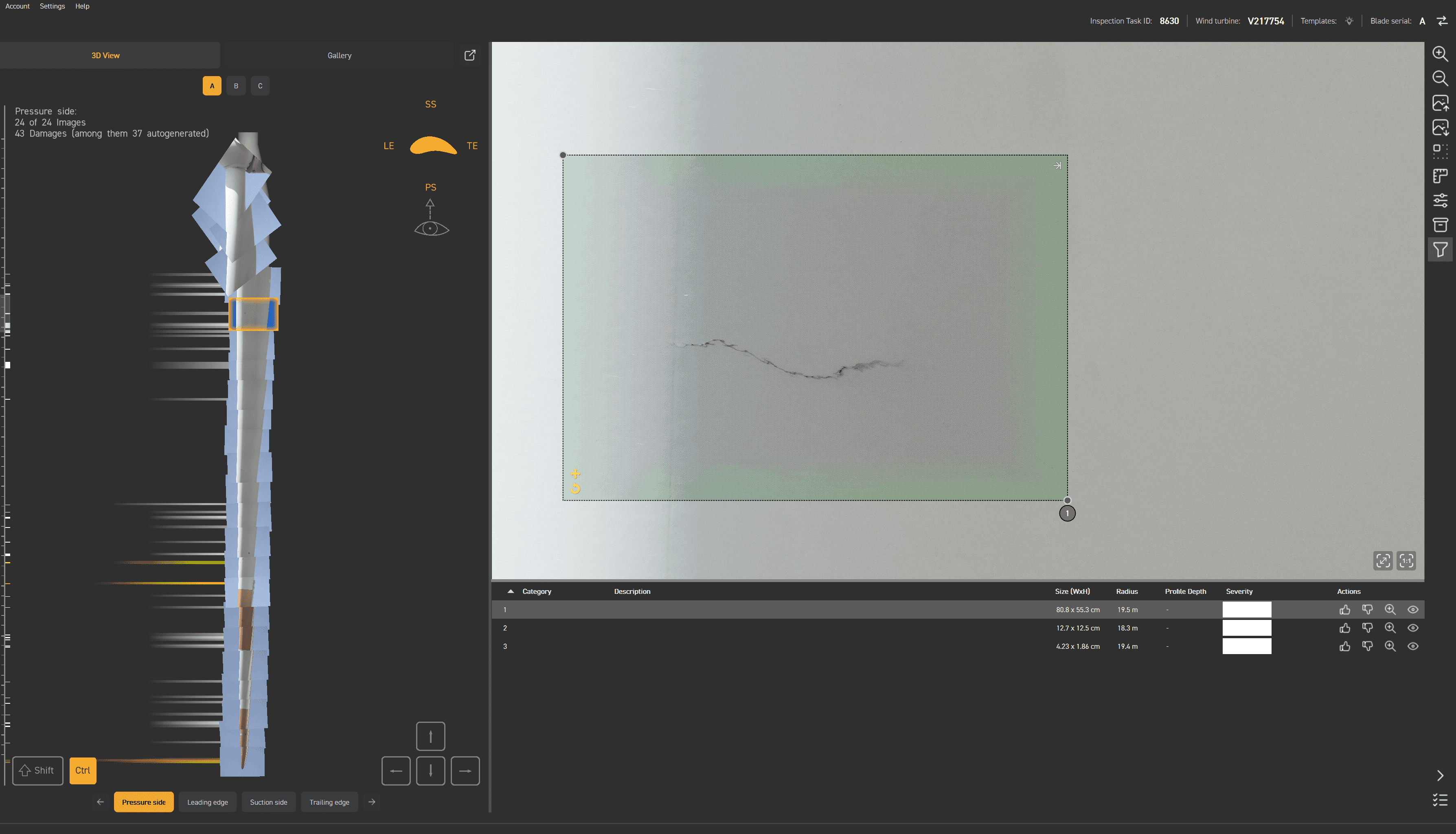
INSPECTOR — AI defect detection
AI Defect Detection
It sees what tired eyes miss.
Every frame runs through TOPseven models trained on real inspection data. Cracks, leading-edge erosion, lightning strikes and bond-line failures are flagged, classified and severity scored automatically. Your reviewers spend their time deciding, not hunting.
smallest defect reliably detected at standard scan distance.²
² Validated against manual rope-access findings on certified test blades.
3D Digital Twin
Every blade, rebuilt in 3D.
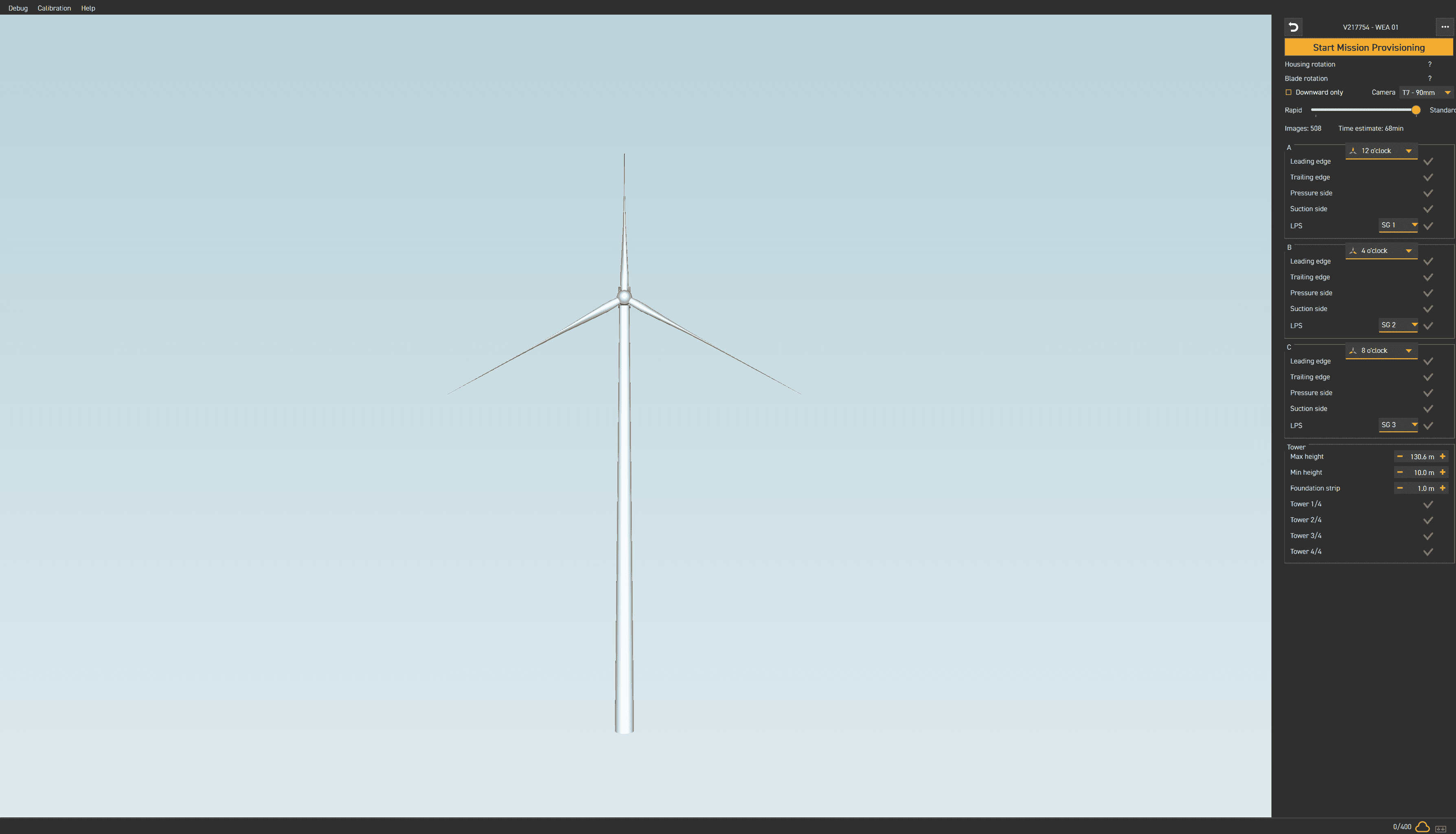
NAVIGATOR fuses thousands of images into a measurable 3D model of each turbine. Pan, zoom and measure any defect, compare it against the last inspection, and hand engineering a model they can work from. No rope team required.
high-resolution images fused into every turbine model.³
³ Typical for a three-blade onshore turbine at full-coverage scan density.
NAVIGATOR — 3D flight route modelling
INSPECTOR — Contactless LPS measurement
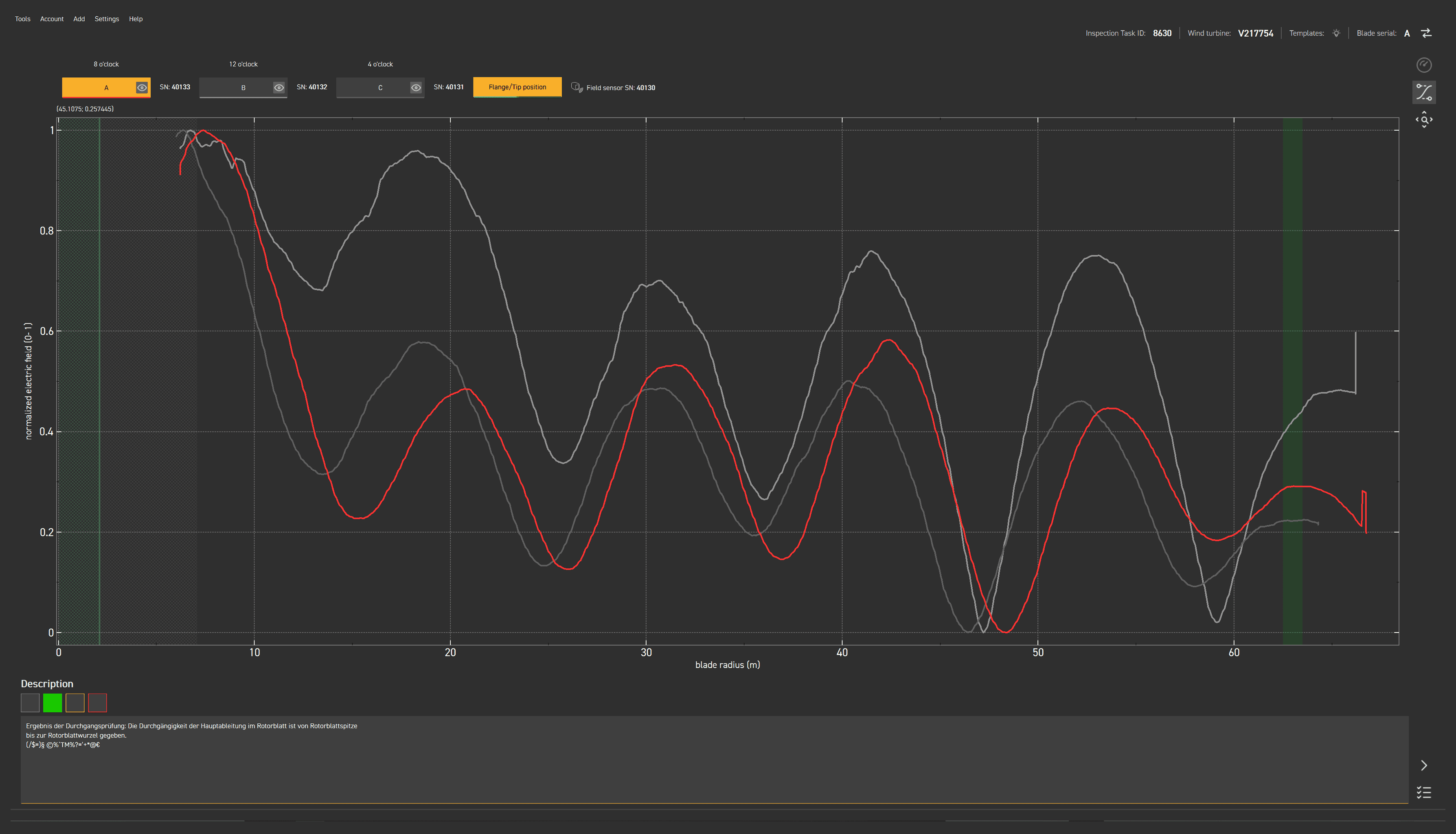
LPS Analytics
Lightning protection, finally legible.
Pair INSPECTOR with the BEAT sensor and every blade gets a clear result on its lightning-protection system. BEAT injects a tuned 13.565 MHz signal and reads the standing wave along the blade, so a fault is located, not just flagged pass or fail. No cable is cut.
of the conductor path verified in a single contactless pass.⁴
⁴ Using the TÜV Süd–certified BEAT contactless measurement method.
ASSET & CUSTOMER DASHBOARD
See the fleet, not the folders.
CLOUDseven turns every landing into fleet intelligence. Damage frequency, severity and blade radius distribution across your turbines, on one screen. One filter set, aligned across every chart, comparable inspection after inspection. The record stays yours, exportable and unchanged. No folder hunting required.
screen. Your whole fleet, filtered by date, wind farm and manufacturer.⁵
⁵ Mission and damage statistics across all inspections in your CLOUDseven workspace. Multi company views for authorised accounts.
CLOUDSEVEN — All assets in one view
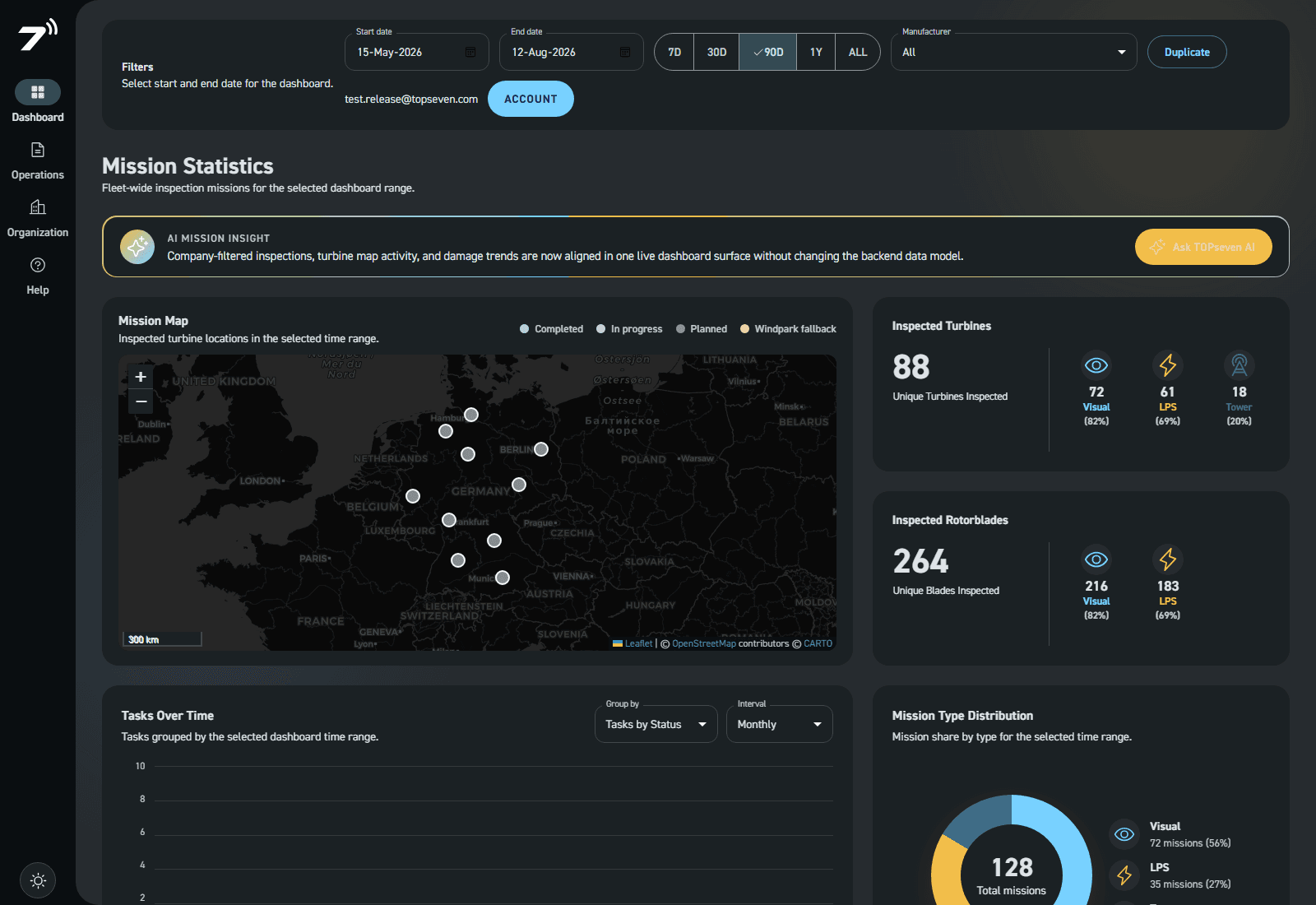
LIVE SOFTWARE
01 · TASK MANAGEMENT
Task Upload
WiFi connected
Task
Status
Data
Upload
WindFarm 1413
● In progress
110/200
55%
WindFarm 1547
● Completed
90/90
100%
Uploading now
99 of 155 images
Pause
02 · PRE-FLIGHT SAFETY
Pre-flight checklist
SAFE
Drone ready
Battery 96%
Wind 6 m/s
Route loaded
Mission ready · 12 checks passed
Start flight
03 · BLADE VERIFICATION
All Tasks
Task ID
Task ID
Windturbine
Blade Mission
Tower
LPS
TE PS LE
TE PS LE
TE PS LE
In real use
Software, shown in situ.
Each tool, captured mid action, the exact moment you would reach for it.
INSPECTOR — AI annotation
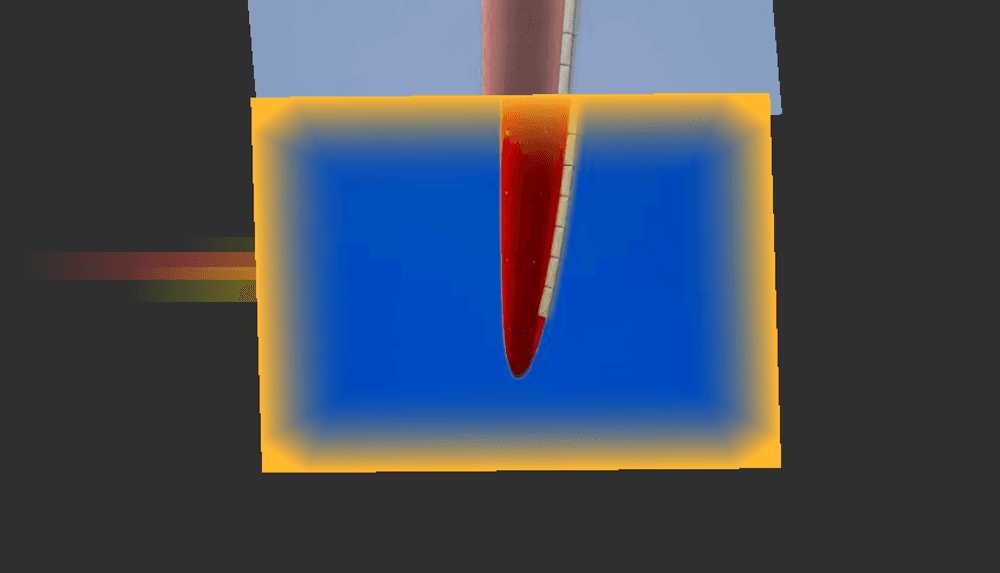
Auto-flag.
AI automatically marks every blade that crossed your severity threshold.
INSPECTOR — Historic comparisson
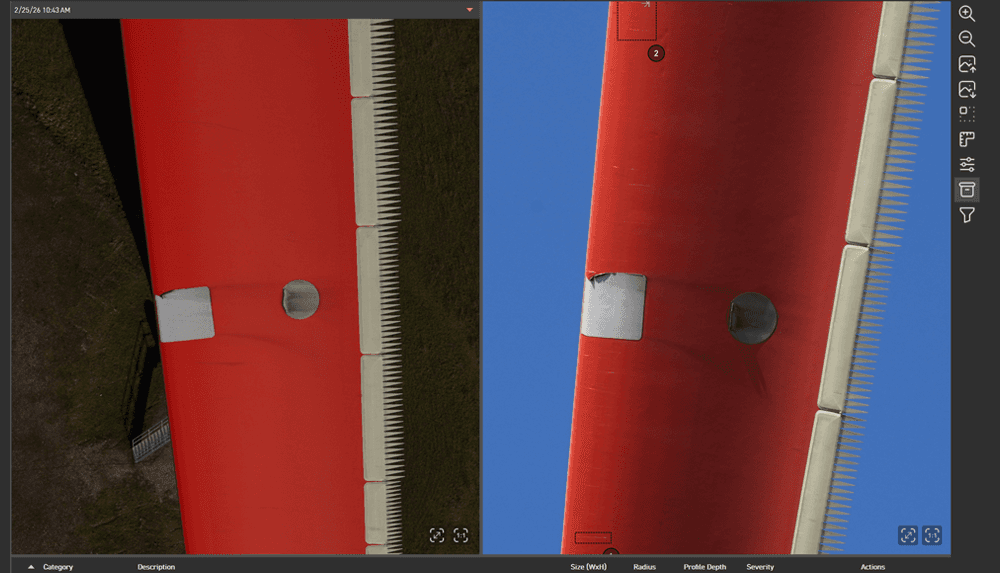
Compare.
Lays this inspection over the previous one to reveal exactly what changed.
INSPECTOR — Severity definition
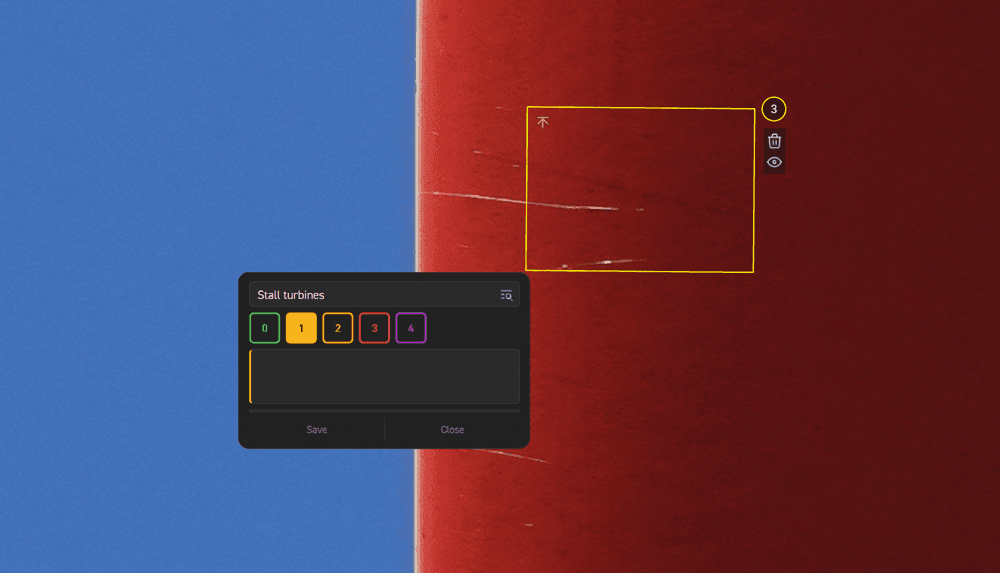
Annotate.
Drop measured callouts on any defect and push them straight into the report.
INSPECTOR — Gallery selection
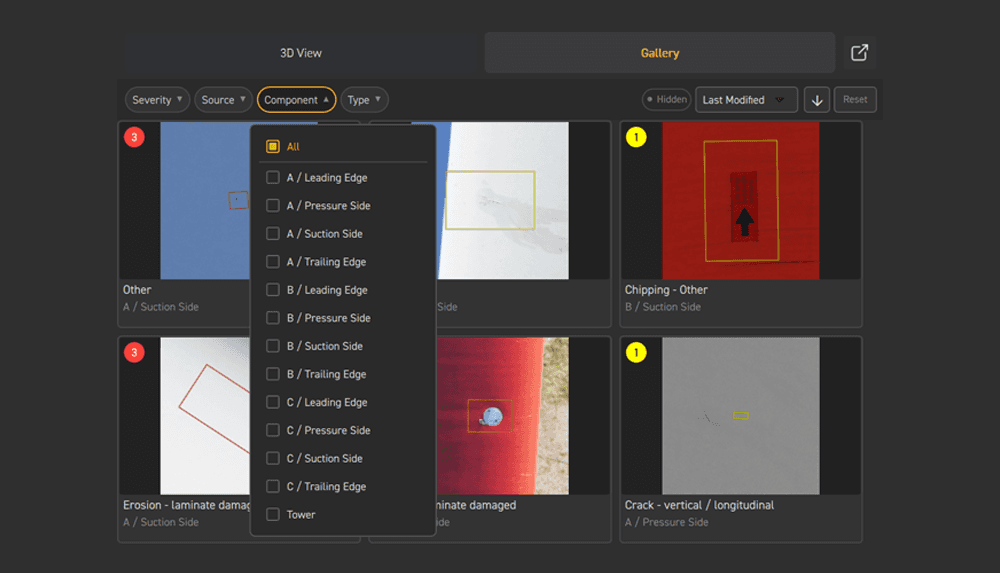
Filter.
Move through thousands of frames in a fast gallery view, then narrow to what matters by blade, severity or component. Built for expert reviewers.
INSPECTOR — Measurement tool

Measure.
Routes each flagged repair to the right crew with a single click.
INSPECTOR — Automated report generation
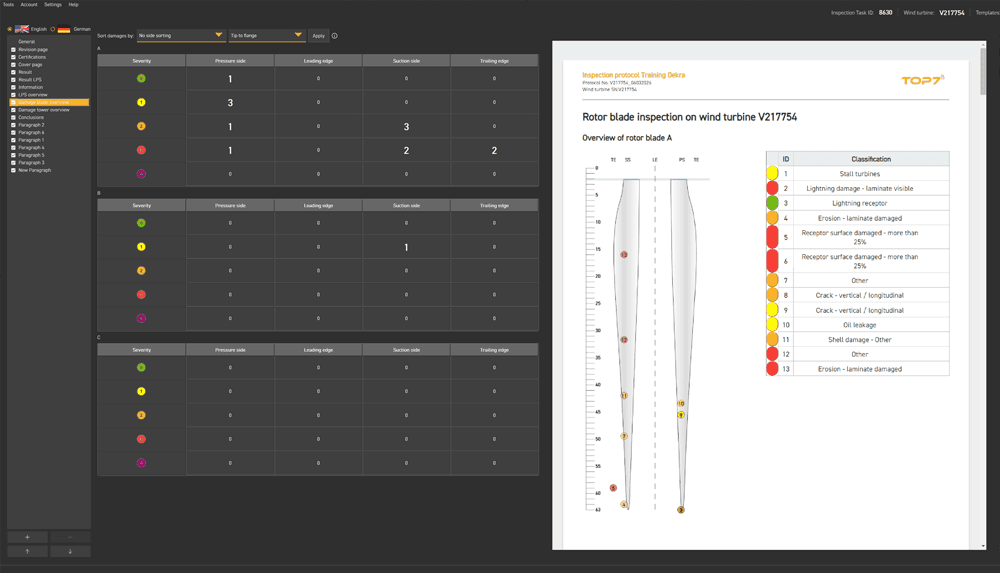
Export.
Generates an audit-ready PDF the moment the drone touches back down.